

Your best logistics manager resigns on a Tuesday. Your hiring plan lives in three spreadsheets, one email thread and somebody’s memory. Nobody knows which version is current. A workforce planning template fixes that mess before it starts.
Short answer: A workforce planning template is one document that lists the roles you need, when you need them, what they cost and how you will fill them. The best workforce planning template for employers covers headcount, skills gaps, demand forecast, budget, timeline, hiring route and risk triggers.
TL;DR
- Workforce planning works only when it is written down in one place.
- A good template turns guesses into a hiring plan you can defend.
- Count skills, not just seats.
- Add lead time to every role.
- Review the plan every quarter.
Table of Contents
- What Is a Workforce Planning Template and Why Does Every Employer Need One?
- What Should a Workforce Planning Template Include?
- How Do You Start With Current Headcount and Skills Gaps?
- How Do You Forecast Hiring Demand Without a Crystal Ball?
- How Do You Choose the Right Hiring Route for Each Role?
- What Mistakes Break Most Hiring Plans?
- How Often Should You Update Your Workforce Planning Template?
- Why Employers Choose The ARM Group to Turn a Workforce Planning Template Into Real Hires
What Is a Workforce Planning Template and Why Does Every Employer Need One?
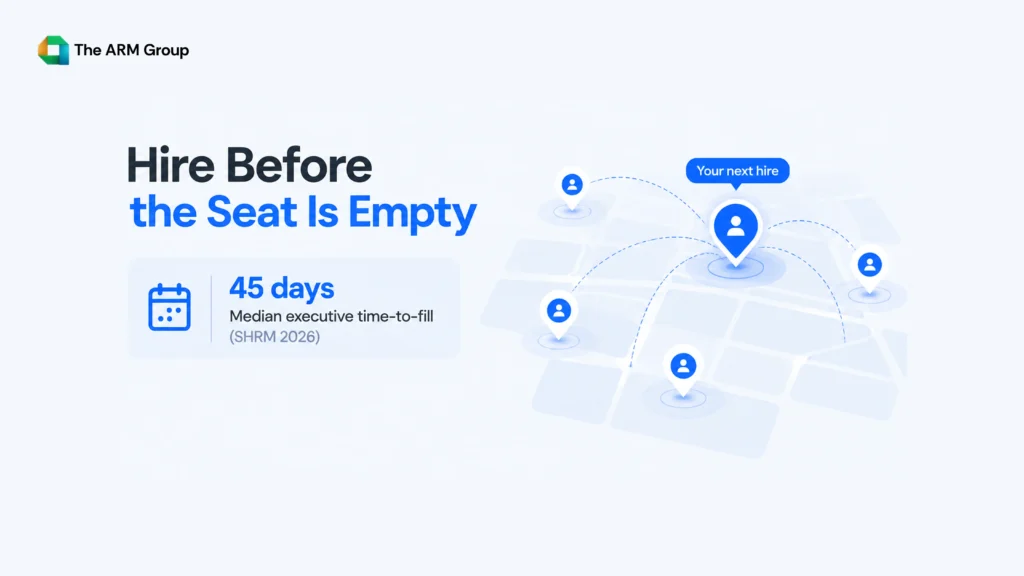
Workforce planning is the habit of asking one question early: who do we need, and when? The answer needs a home, and that home is a template.
Without one, hiring becomes firefighting. Someone resigns, a manager panics, a job ad goes up, and three weeks vanish. The BLS job openings and labor turnover data shows how much openings and quits shift from month to month. Waiting for the “right moment” is not a strategy.
Picture two employers. One has a workforce planning template and knows in March that Q3 needs two quality engineers. The other finds out in August.
Same size. Very different summer.
What Should a Workforce Planning Template Include?
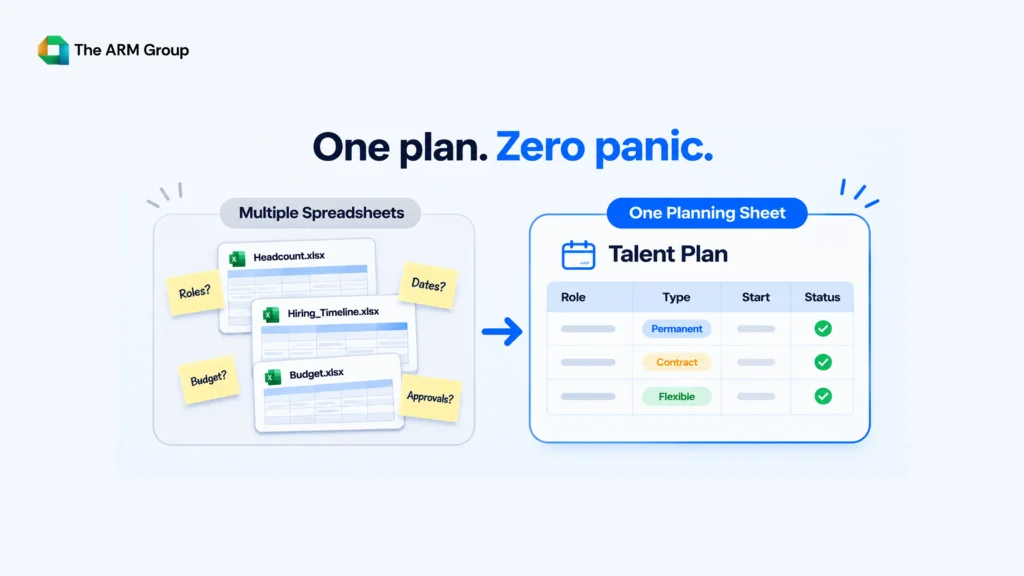
Seven columns. Seven arguments saved. Copy this table into a sheet and you are already halfway there.
| Section | What to record | Question it answers |
| Current headcount | Roles, teams, locations, employment type | Who do we have today? |
| Skills gaps | Skills missing, not just empty seats | What can’t we do yet? |
| Demand forecast | Roles needed by quarter | Who do we need, and when? |
| Budget | Salary, hiring costs, onboarding | Can we afford it? |
| Timeline | Open date and target start date | When must the search begin? |
| Hiring route | Direct hire, contract, executive search | How will we fill it? |
| Risk triggers | Resignations, delays, new contracts | What forces a rethink? |
How Do You Start With Current Headcount and Skills Gaps?
Start with what you have, not what you wish you had. Then do three things:
- List every role by team, location and employment type.
- Mark the critical ones, the roles where a resignation would stop work.
- Flag missing skills, not just missing people.
A gap is not an empty chair. It is a capability nobody on the team has. A plant can have a full maintenance crew and still lack someone who can troubleshoot automation systems. Good workforce planning counts skills, not just seats. If you hire in this space, our manufacturing recruitment and workforce solutions team sees this gap constantly.
How Do You Forecast Hiring Demand Without a Crystal Ball?
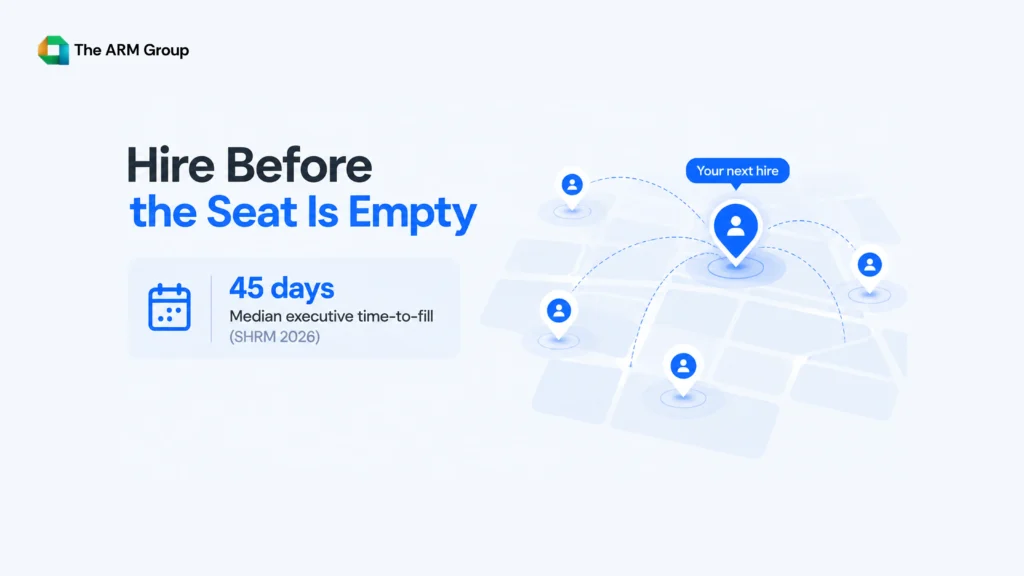
You do not need a crystal ball. You need three inputs:
- Business plan: new contracts, product launches, US expansion.
- Attrition: who is likely to leave, based on your own history.
- Lead time: how long each role really takes to fill.
Lead time is the one people skip. If you need someone in June and the search takes eight weeks, the role must open in early April. Write that date in your plan.
Lead times also differ by function. IT and technology roles move on a different clock than logistics and transportation roles. For a reality check on which occupations are growing, the BLS Occupational Outlook Handbook is a solid starting point.
This is where workforce planning stops being theory and starts saving weeks.
How Do You Choose the Right Hiring Route for Each Role?
Not every role needs the same playbook. Add a “hiring route” column so no role defaults to “post a job ad and hope.”
| Hiring need | Best route | Works best when |
| Leadership role | Executive search | C-suite, VP or Director level |
| Mid-to-senior functional role | Professional hiring | Growing teams, defined roles |
| Volume or seasonal need | Flexible staffing | Ramp-up or ramp-down periods |
| Urgent, hard-to-fill role | Hybrid direct placement | Speed matters most |
For urgent roles, hybrid direct placement combines targeted sourcing with screening so you are not starting from zero.
Planning contract roles? Check worker classification rules with the U.S. Department of Labor first. It is a boring step that prevents an expensive surprise.
What Mistakes Break Most Hiring Plans?
We have seen this before. Four mistakes show up again and again:
- The Spreadsheet Graveyard: built once, never opened again.
- The Headcount-Only Plan: counts people, ignores skills.
- The Budget Gap: includes salary, forgets recruiter fees, onboarding and ramp-up time.
- The Approval Lag: the role is approved after the candidate accepts another offer.
The fix is boring and works. One shared document. One owner. One review date.
How Often Should You Update Your Workforce Planning Template?
Quarterly at minimum. Monthly if your team moves fast. Also update it the moment any of these happen:
- A resignation or internal transfer
- A new contract or lost client
- A budget change
- A new office or US location
Workforce planning is a loop, not a one-time project. A template nobody opens is just decoration.
Why Employers Choose The ARM Group to Turn a Workforce Planning Template Into Real Hires
A template tells you who to hire. The ARM Group finds them. We work with 85+ clients across 27+ countries and deliver pre-vetted shortlists in 24 to 48 hours, so the roles in your plan do not sit open for months.
Here is how that works in practice. When your plan shows a leadership gap, ARM Elite runs the executive search for C-suite, VP and Director roles. When it shows growing functional teams, such as quality engineers or finance managers, ARM Professional handles sourcing, screening and coordination from intake to offer. When the plan flags a ramp-up or a seasonal spike, ARM Flexi scales recruiting support up or down without long-term lock-in.
For Indian companies building US teams, we run the full recruiting cycle from India with US execution, so you do not need an in-house US HR team. Send us your workforce planning template and we will map each row to a route, a timeline and a shortlist.
Frequently Asked Questions
What is a workforce planning template?
It is a single document that records your current headcount, skills gaps, future hiring needs, budget and timelines. It helps employers plan hires before roles become urgent.
How do I create a workforce planning template in Excel?
Create columns for headcount, skills gaps, demand forecast, budget, timeline, hiring route and risk triggers. Add one row per role. Assign an owner and a quarterly review date.
How is workforce planning different from recruitment?
Workforce planning decides who you need and when. Recruitment finds and hires them. Planning comes first, so recruiters can start searching before a role becomes urgent.
How often should I update my hiring plan?
Review it every quarter at minimum. Update it immediately after a resignation, new contract, budget change or expansion.
Do small businesses need workforce planning?
Yes. A small team feels every vacancy faster. A simple one-page plan helps small employers spot gaps early and budget for hiring costs.
What are the biggest hiring plan mistakes?
Counting seats instead of skills, forgetting hiring costs, never updating the document and starting searches too late are the most common.
Key Takeaways
- Write your hiring plan down in one place, because plans that live in memory disappear the day someone resigns.
- Count skills as well as seats, since a full team can still be missing the one capability that matters.
- Build your demand forecast from three inputs: business plans, expected attrition and the real time each role takes to fill.
- Add lead time to every role so the search starts weeks before the empty chair becomes a problem.
- Budget for recruiter fees, onboarding and ramp-up time, not just the salary number on the offer letter.
- Pick a hiring route for each role early, since leadership, mid-level and volume hiring need different approaches.
- Give the plan one owner, because a shared document with no owner turns into a spreadsheet graveyard within weeks.
- Review the plan every quarter and again whenever a resignation, new contract or budget change shifts your needs.
- Check contract and classification rules with the Department of Labor before you plan any non-employee roles.
- Share the plan with your recruiting partner so shortlists are ready before the role formally opens.
Conclusion
A workforce planning template doesn’t need to be complicated. It needs to give you a clear picture of who you have, which skills are missing, and when to start hiring. Keep your plan in one shared document, assign an owner, and review it quarterly so changing business needs don’t catch you off guard.
A hiring plan does not need to be fancy. It needs to be written down, owned by one person and opened more than once a year. Start with one honest hour and one shared sheet. Your future self, the one who is not panicking on a Tuesday, will thank you.
Ready to Fill the Roles in Your Plan?
Click here to get a quote and talk to a real recruiter, or call us at +1 803-830-7396 (US) or +91 96630-35271 (India).
P.S. What’s the last role you hired for in a panic?